I genuinely love learning and often buy different courses, but the SYNTX AI course really stood out. There’s a lot of useful information and no fluff: real examples, clear explanations, PDFs, and notes. You’re not just listening, you can start applying everything to your work right away.
And most importantly, I got faster. A lot of processes became clearer and easier, and I now feel much more confident navigating the world of AI. It’s the kind of course that makes your brain go, “Oh, finally, this is actually useful.”
Practical AI course by SYNTX.AI
A course after which AI tools become your main instrument for work and creativity
JOIN THE COURSELearning with SYNTX.AI
What you will achieve in the course:
Learn to create studio-level AI works
You will build a complete final product: visuals, video, sound, and final presentation with editing
You will develop a strong portfolio of 10–20 works
You will gain skills that you can apply to real projects, professional work, and freelance opportunities
25% discount on any plan and any billing term on the SYNTX.AI platform
The course is designed for:
For those who are starting from scratch and want to master working with AI tools and create their first high-quality AI projects
For those who already use AI tools at an advanced level and want to systematically level up their skills, build a portfolio, and expand their opportunities for projects and clients
How the course works:
An online course with 21 practical lessons*
Video format with 24/7 access from any device
A structured lesson schedule
Practice and assignments in every module
Competitions and publication of the best works
All generations take place on the SYNTX.AI platform
You can join the course immediately after payment
*All lessons are in Russian







Student video testimonials
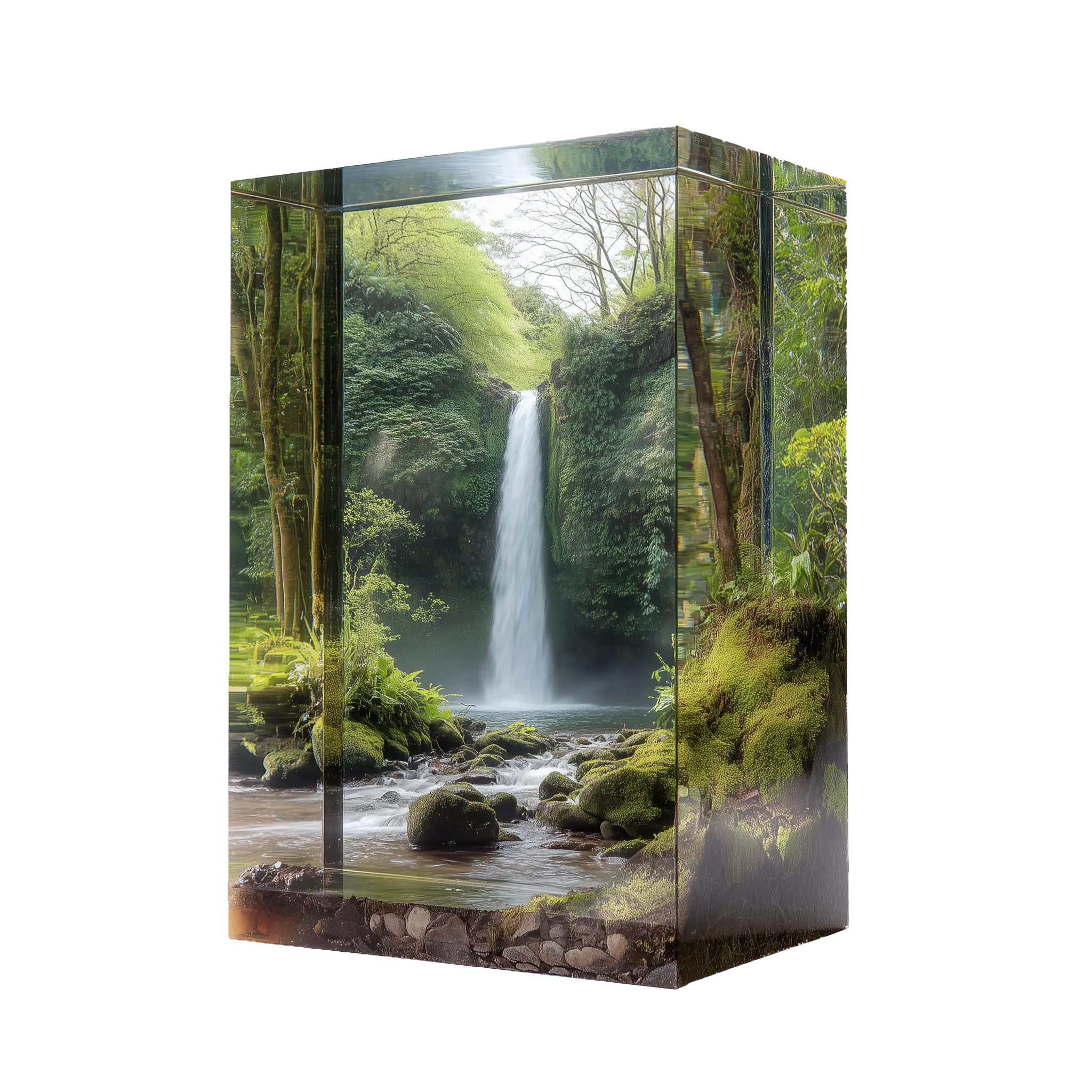
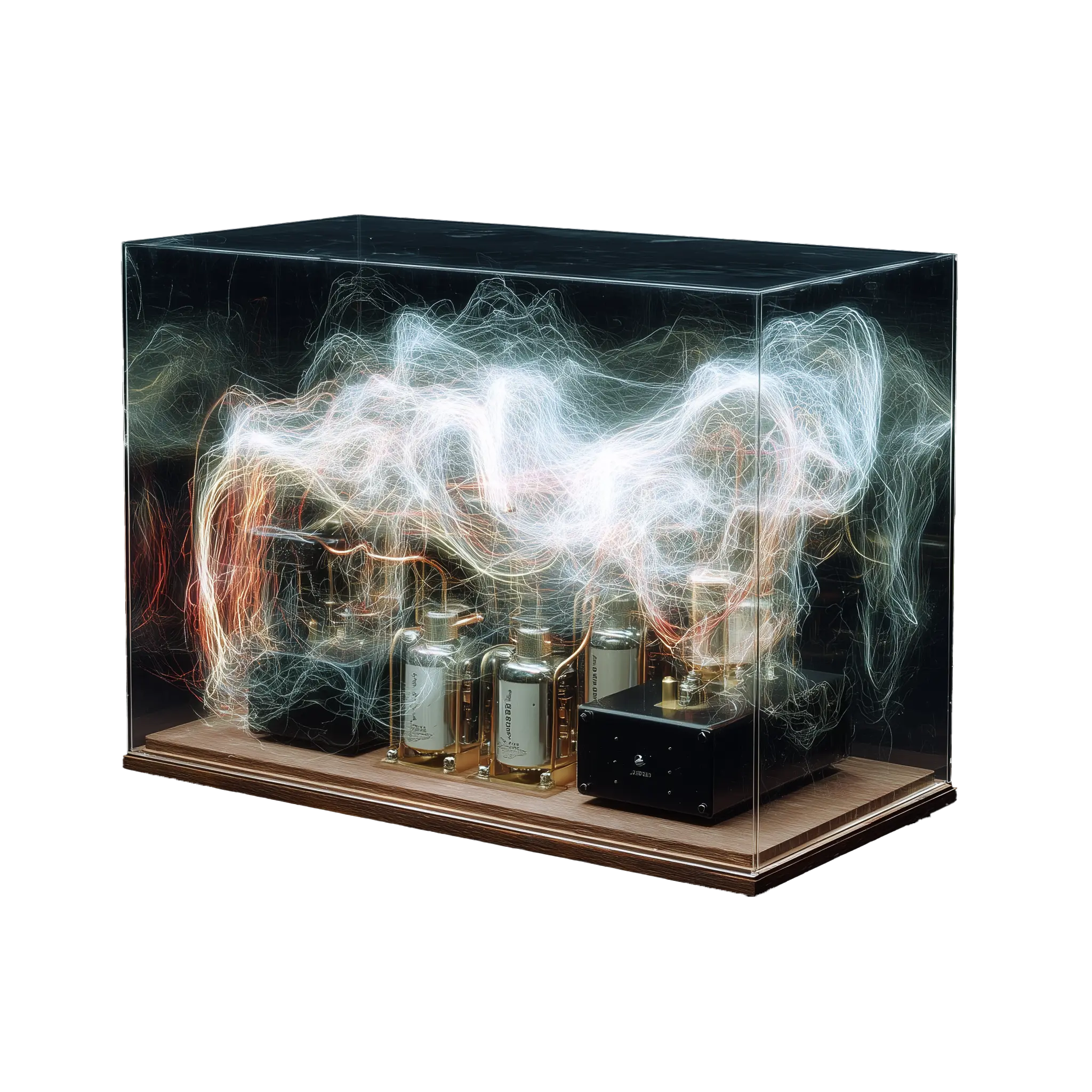
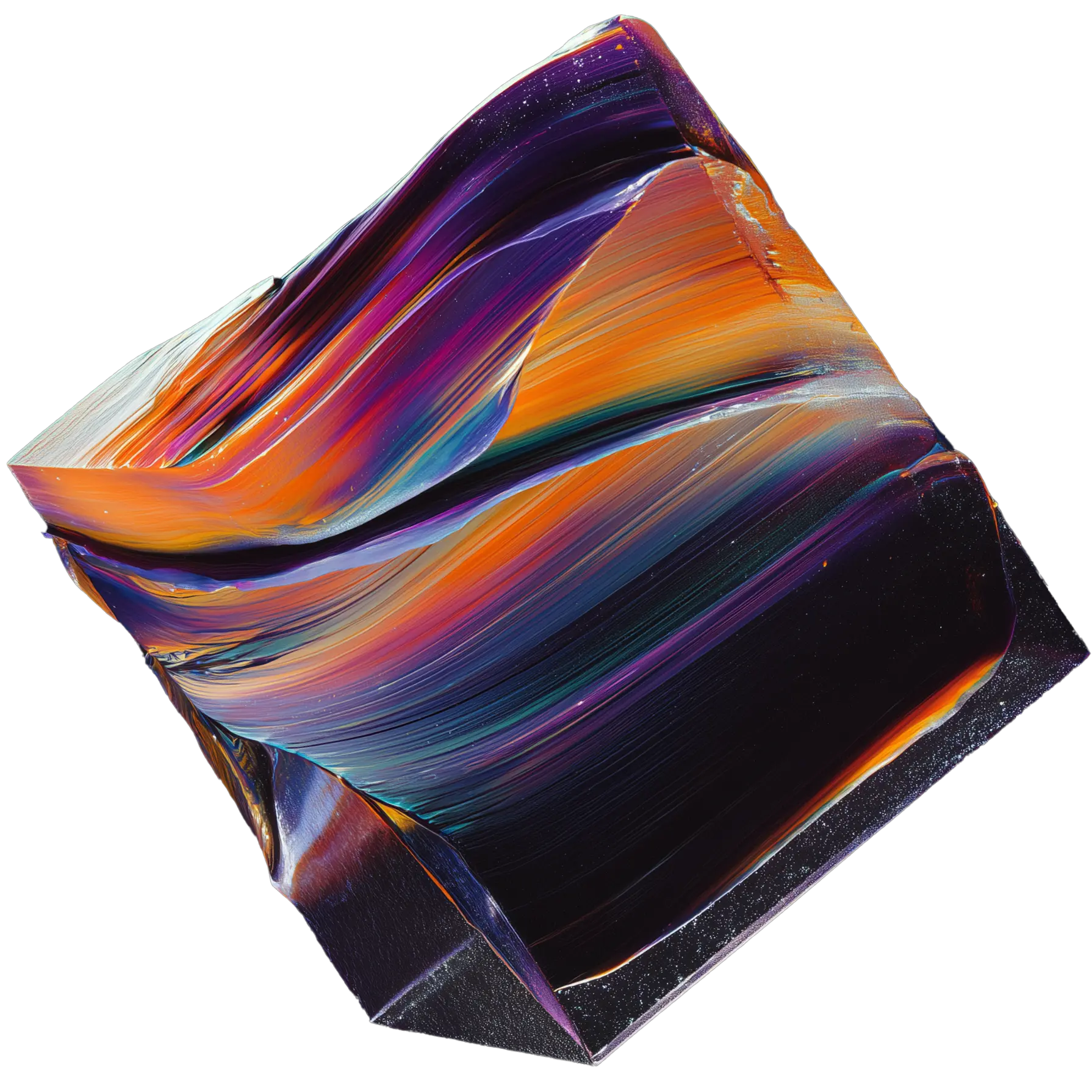
2 000+ reviews │ 4,8/5 ★Examples of work
The works were created by the course speakers.




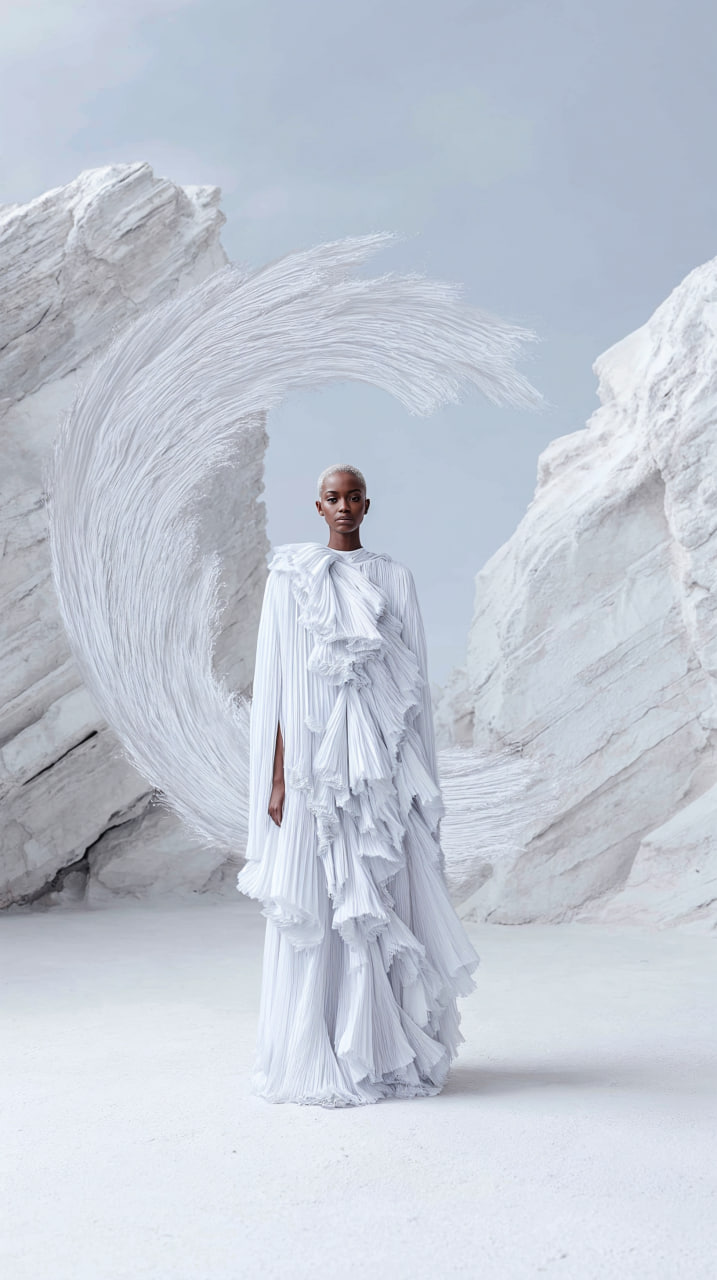


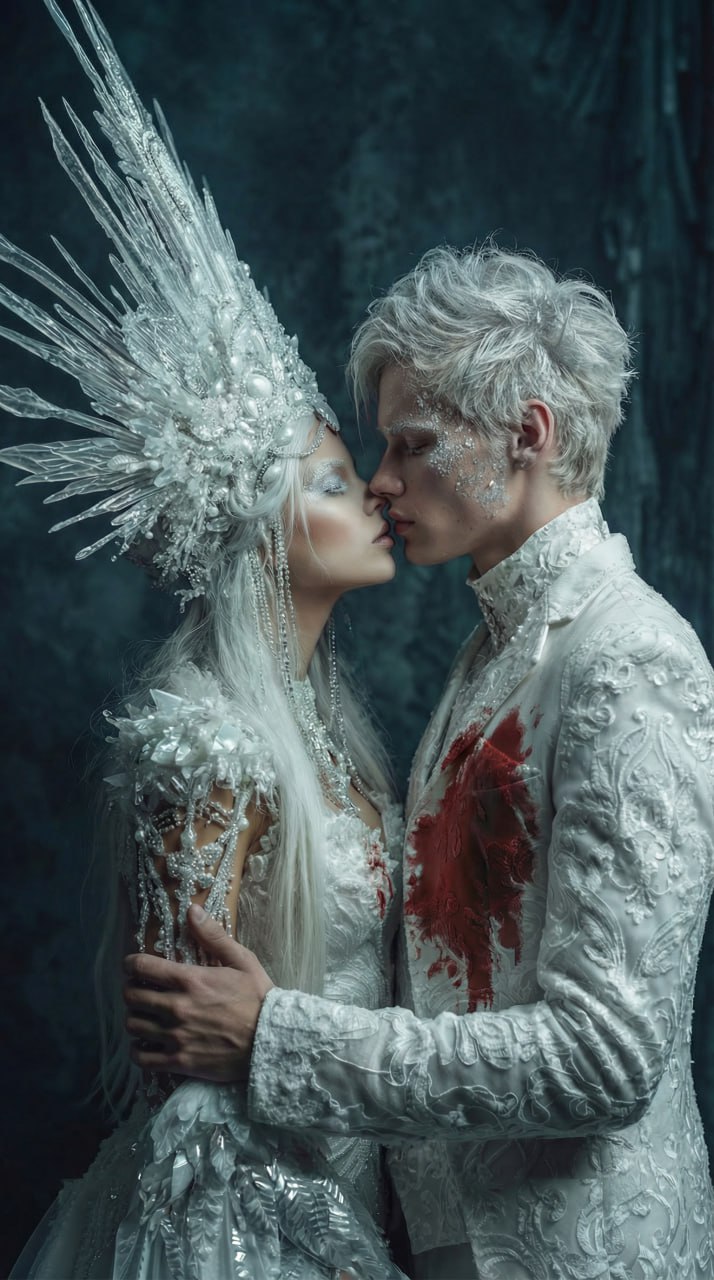





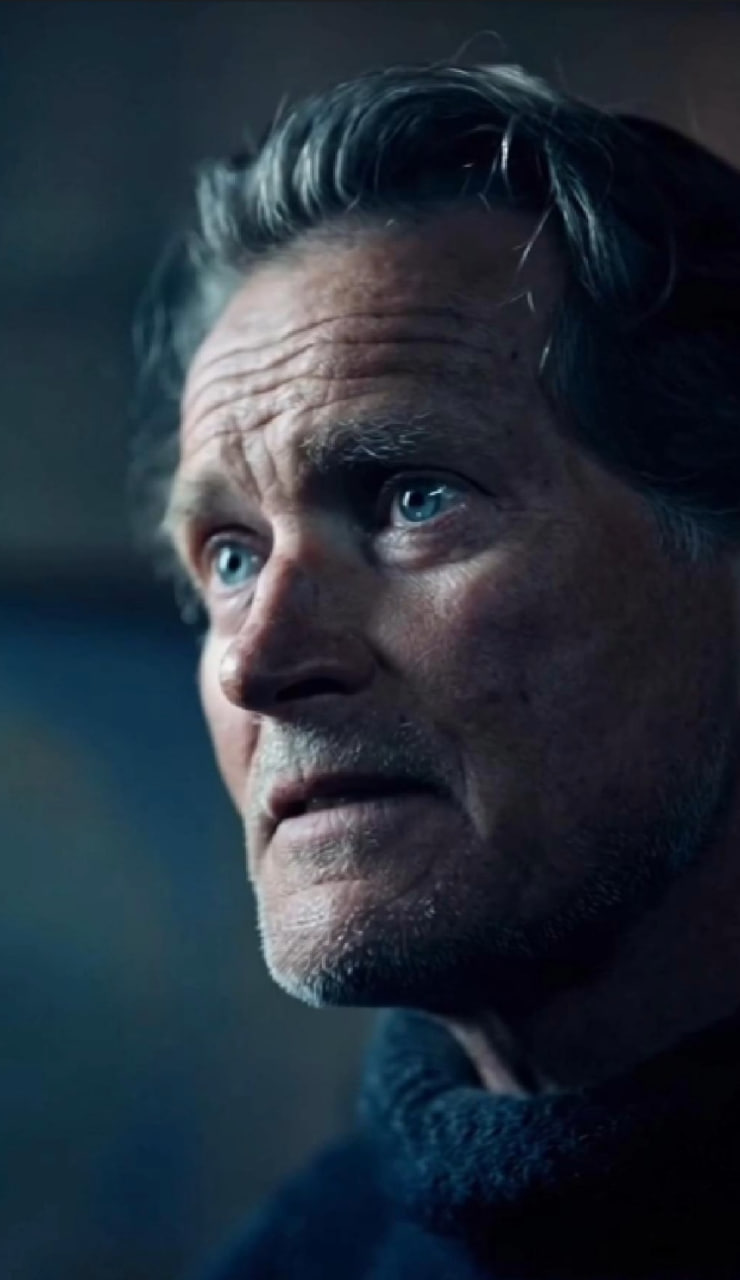






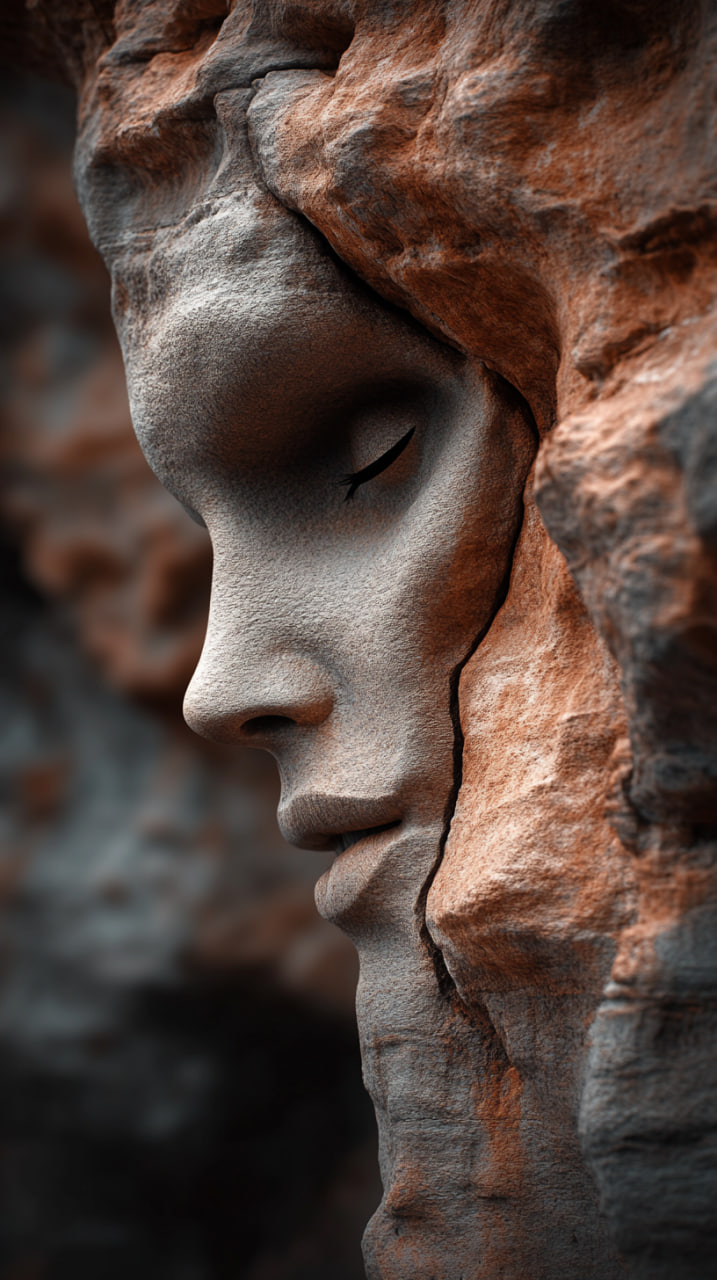



Want to create like this?
Course Program
MODULES FOR ALL PLANS
1
Introduction. Overview of the SYNTX.AI platform and its features
Lesson 1: Website and bot navigation: main sections and their functions
2
Fundamentals of language models
Lesson 2: How language models “think” and understand your prompts
Result: You will understand how language models make decisions and start working with them more consciously
3
Design and visualization with AI
Lesson 3: Overview of AI tools for generation, including Ideogram, Kling Colors, Runway Frames, Sora Images, Imagen 4, and Flux models
Homework
Lesson 4: settings, parameters, prompt writing, editor, and face replacement
Homework + additional materials
Lesson 5: Nano Banana and Seedream: core principles of working with these tools
Homework + additional materials
Result: You will learn to create compelling AI-powered visuals for real tasks and confidently work with key generation tools
4
Section “Video of the Future”
Lesson 6: Overview of video generators: the strengths of each and basic prompt writing.
Runway: overview of core features and capabilities.
Higgsfield: how to choose presets and combine them
Homework
Lesson 7: Kling: animation from text and images, the Elements feature, and a brief introduction to Keyframes O1
Homework + additional materials
Lesson 8: Seedance. Prompt writing in Seedance, working with multiple scenes in a single prompt.
Homework + additional materials
Lesson 9: Veo 3.1 and Sora 2. Prompt writing and core features, including animation from text and images, the Elements feature, and a brief overview of Keyframes in Veo
Homework + additional materials
Lesson 10: Seedance New: Writing prompts / working with scenes using a single prompt
Homework + additional materials
Result: You will master the full cycle of creating atmospheric AI-powered videos, from generation, sound, and style to final editing.
5
AI Audio: voice synthesis and voice cloning
Lesson 11: Voice cloning. Practice in speech synthesis with different emotional tones. Sound effects generation
Lesson 12: Suno: prompt writing from A to Z
Homework + additional materials.
Result: You will be able to work with sound at a new level, controlling voice and emotion, cloning voices, and creating voiceovers, music, and sound effects for video using AI
6
Editing
Lesson 13: How to achieve high-quality generations. Moodboards (references and ideas). Workflow pipeline. Mobile post-processing: retouching, color correction, and preparation without quality loss
Lesson 14: Photoshop: introduction to the interface and core workflow. Basic post-processing of AI generations: retouching, color correction, and liquify
Lesson 15: Photoshop: advanced editing. Local detail adjustments. Why generations created through the bot are often better than those built directly into Photoshop
Lesson 16: Video editing. Theory and practice (Final Cut, DaVinci)
Result: You will start transforming AI-generated content into cohesive, polished videos with thoughtful editing and professional quality
Additional lessons for the "CREATOR PRO" plan
Lesson 1: Training LoRA models
Working with location and character maps
Lesson 2: Keyframes: morphing and transitions. Fundamentals, practical tips, and AI hacks
Enhancing image and video quality
Lesson 3: Avatars: Hedra, Act-Two, and lip-sync in Kling. Tips and common mistakes
Frame control: smooth transitions and motion control in video
Lesson 4: Upscaling: Clarity Upscaler and Topaz
Animated talking characters: avatars
Lesson 5: Creating your own mini animated film
From idea and characters to storyboard, animation, sound, and final editing into a finished video
Result: You will move to an advanced level of working with AI, learn to precisely control results using LoRA, keyframes, and avatars, enhance image quality, and create your own mini animated film from idea to final video
SYNTX.AI is a unique ecosystem built around the course:
The best works are published on Instagram SYNTX Creators
An ideal opportunity to gain reach, attention, and visibility through your work while you’re still learning

Opportunity to become a SYNTX.AI Ambassador
A prestigious status within the SYNTX.AI ecosystem: access to an audience of 270,000+, an Ultra Elite subscription, and a $300 monthly reward

Plans
Currency
Creator
A great start for getting acquainted with AI
- Get access to lessons immediately after payment
- A training course consisting of 16 lessons
- Modules: language models, visual content, video, audio, editing
- Practice and assignments in every module
- Portfolio creation (10–20 works)
- Certificate upon completion of the course
- Access from phone and computer
- Opportunity to have the best works published on Instagram SYNTX Creators
- Chance to become a SYNTX.AI ambassador
- Access to the course for 6 months
- Additional techniques (LoRA, keyframes, avatars, upscaling, creating your own mini animated film)
Creator PRO
Advanced level for professional AI work
- Get access to lessons immediately after payment
- Complete training course 21 lessons
- Modules: language models, visual content, video, audio, editing
- Practice and assignments in every module
- Portfolio creation (10–20 works)
- Certificate confirming successful completion of the course
- Access from both phone and computer
- Opportunity to have the best works published on Instagram SYNTX Creators
- Chance to become a SYNTX.AI ambassador
- Access to the course for 6 months
- 5 additional lessons (PRO block):
- LoRA models (training an AI model for your specific task)
- Keyframes (animation control, smooth transitions, and precise motion control in video)
- Avatars and lip-syncing (animated talking characters)
- Upscaling (enhancing image and video quality)
- Creating your own mini animated film
Our Speakers
Anastasia
Romanova
Winner of the SYNTX.AI Workshop 2024 out of 372 participants.
Progressed from supporting beginners to leading the SYNTX community of 275,000+ members.
Her masterclass on Keyframes gathered 15,000 views
Worked on projects with magician Viktor Shishko, singer Loona, and fashion designer D.Black
Maxim
Gustarev
Author of a YouTube channel with an audience of 180,000+.
15 years in the photography industry. Trained over 5,000 students.
Conducted masterclasses and workshops in Italy, Norway, the Netherlands, and Russia
Clients: VK, Mail.Ru, SBERBANK, FIFA, Hyundai, SIGMA, Pixel24, Wacom, VanLaak, Gloria Jeans, B-X-L, Radisson Blu
Frequently Asked Questions:
1. Is this course suitable for beginners?
Yes. The course is suitable even if you’ve never opened ChatGPT before. We start with the fundamentals of the SYNTX.AI platform and AI models, then move step by step into visual content, video, audio, and editing.
2. Are any special skills required (design, programming, or “ability to draw”)?
Not at all. The program is designed for both beginners and those at an intermediate level. Everything is built around practice and assignments, so you apply the knowledge instead of just listening to theory.
3. If I’m already familiar with AI tools, will the course still be beneficial for me?
Of course. The course also includes a dedicated track for the middle level: to systematically level up your skills, build a portfolio, and master production, including editing, sound, and final presentation.
4. What results will I achieve by the end of the course?
You will learn to create studio-level AI projects and produce a complete final product, including editing, sound, and final presentation.
5. How many projects will I create for my portfolio during the course?
Throughout the course, you will build a strong portfolio of 10–20 projects and gain the knowledge and practical skills to continue developing and strengthening your portfolio independently.
6. How is the course delivered? Is it live webinars or pre-recorded lessons?
These are pre-recorded video lessons hosted on an online platform.
7. Is the course available on demand?
You have 24/7 access to the course, but the lessons are released according to a schedule to help you progress at the right pace.
8. Will there be practice and assignments?
Yes. Each module includes practice, and every lesson is followed by assignments, as outlined in the program.
9. What is the duration and number of lessons?
21 lessons in the Creator PRO plan and 16 lessons in the Creator plan. Each lesson is approximately 45–60 minutes.
10. Which devices can I use to study?
You can take the course both from your phone and your computer.
11. Which AI tools and models will be covered in the course?
The program includes modules on visual content, video, and audio, featuring tools such as Nano Banana, Seedance, VEO, Sora, Kling, and others available on the SYNTX.AI platform.
12. Will the course include editing and final production, not just “generation”?
Yes. The course includes a dedicated editing module (4 lessons), where you create a complete final product with editing, sound design, and final presentation.
13. Will my work be published to gain reach and visibility?
Yes. At the end of the course, each student can submit their work. Selected projects are published on Instagram SYNTX Creators, and the authors participate in the ambassador selection for SYNTX.AI and in a prize competition.
14. Is a certificate issued upon course completion?
Yes. Upon completion of the course, you receive a Certificate.
15. Is a subscription to the SYNTX.AI platform included in the plans?
In the Creator / Creator PRO plan, the AI subscription is not included. It must be purchased separately on the SYNTX.AI website (www.syntx.ai).
16. Is it possible to gift the course to someone else?
Yes. When completing the purchase, enter the recipient’s name and email, and access will be granted automatically. No additional steps are required.
17. Can I get access to the lessons immediately after payment?
Yes. You get access to the lessons right after payment. Lessons are released according to the schedule, and you will see all sessions that are available at that time.